In this section, we’ll show you a preview of what the Players have access to. To keep the platform simple and intuitive, everything is on a single page and cut into 2 main segments.
- The chat: where the simulation content is released through interactive storytelling, peppered with gamified questions.
- Info: to view their progress, score, and leaderboard.
The LiveCase platform is web responsive and displays well on mobile, tablet, and desktop devices.
On Desktop & Tablet
On desktop and tablets, you have the chat and the info areas side by side as seen below.
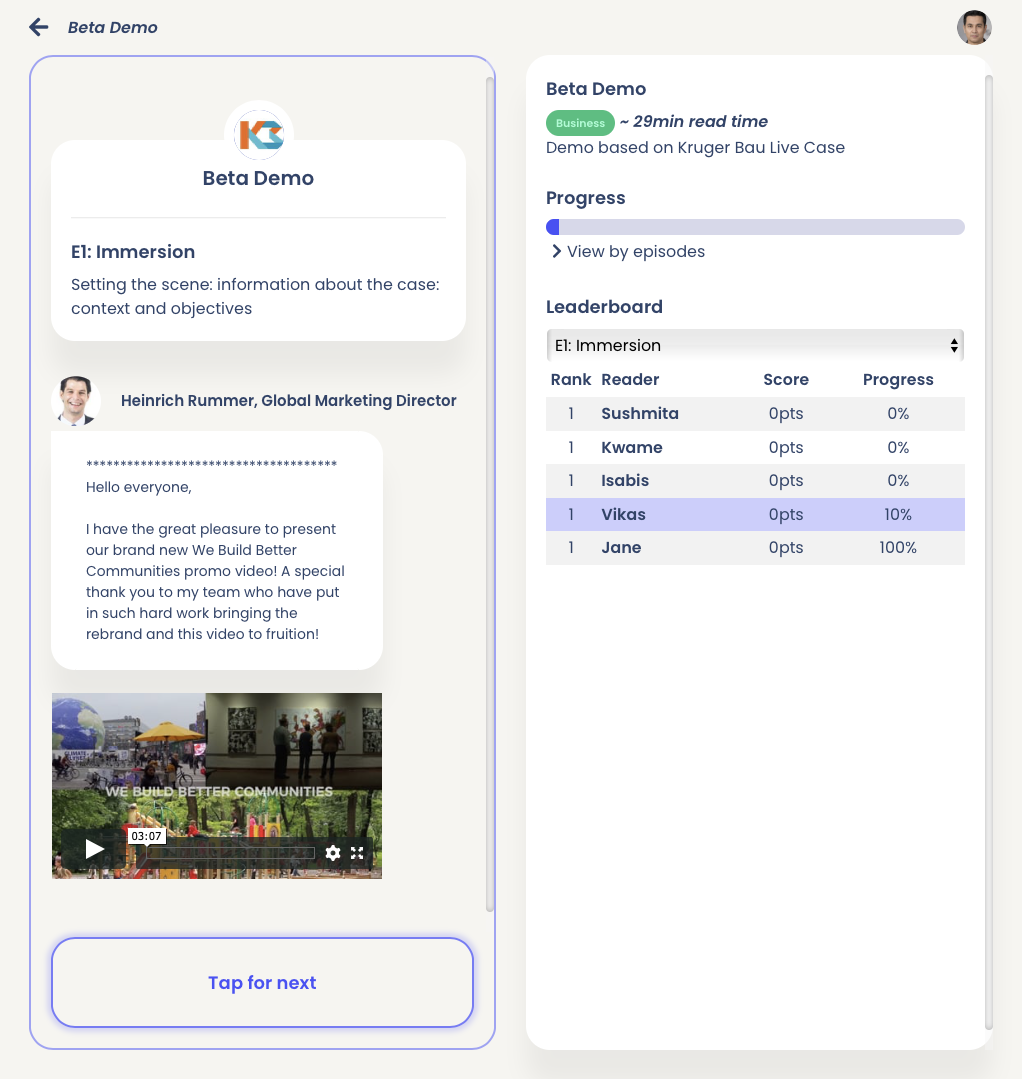
Please note that the right-hand panel might vary depending on the Livecase. Additional scoring and/or characteristics may appear.
On mobile
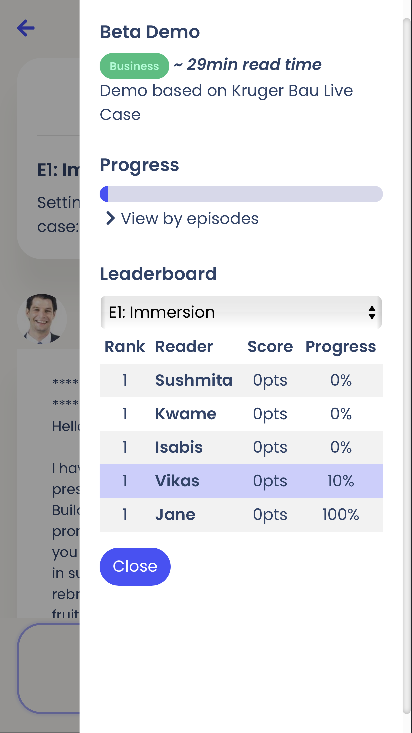
On mobile, the Players first see the chat. To see the info panel, they need to click on the icon on the top right corner of the screen.
|
Default:
|
Upon clicking the graph icon on the top right:
|
Details
In this section, we will cover the content in detail.
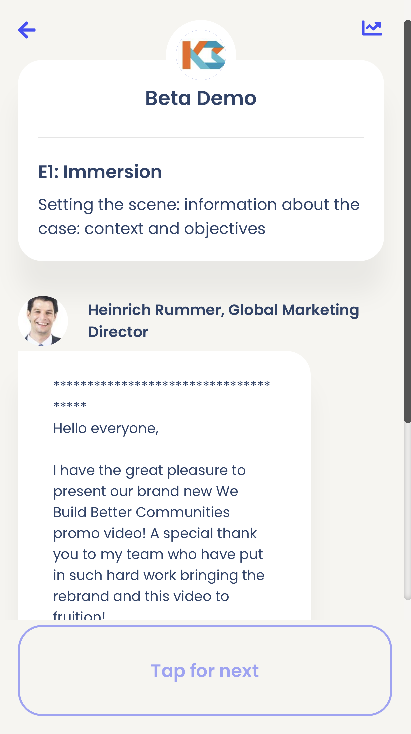
The section that Players will be spending most of their time is on the chat.
This is where the content of the case will be released as Players click the “Tap for next” button (bottom of image) to receive the next message, view multimedia content (video, images, etc), or respond to inline questions.
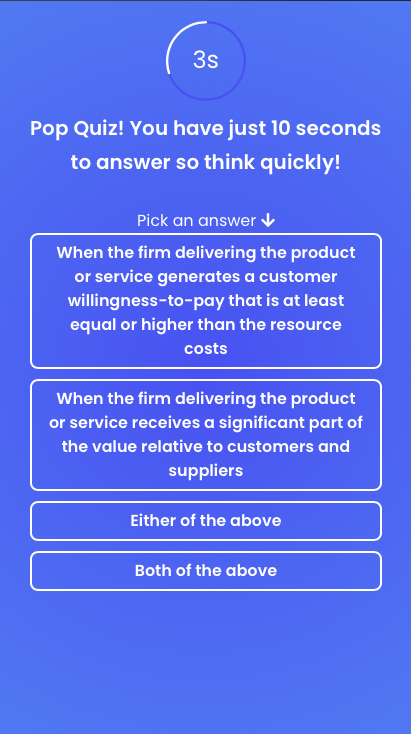
Some questions will create a popup, which helps keep the Players engaged and is part of the gamification mechanics.
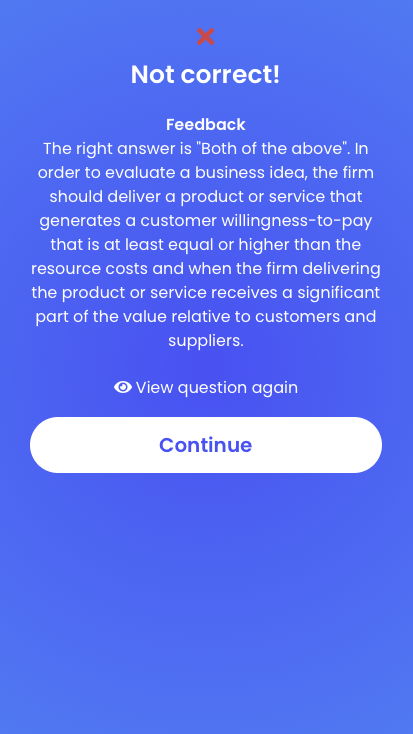
Some of the questions will also have a timer (in the example below, they will have 10 seconds). Upon answering, they will receive instant feedback on their responses to deepen their understanding.
 |
 |
 |
Some questions may be scored (see the scoring section) and/or go through a different story path depending on their answer (see the Badges section).